


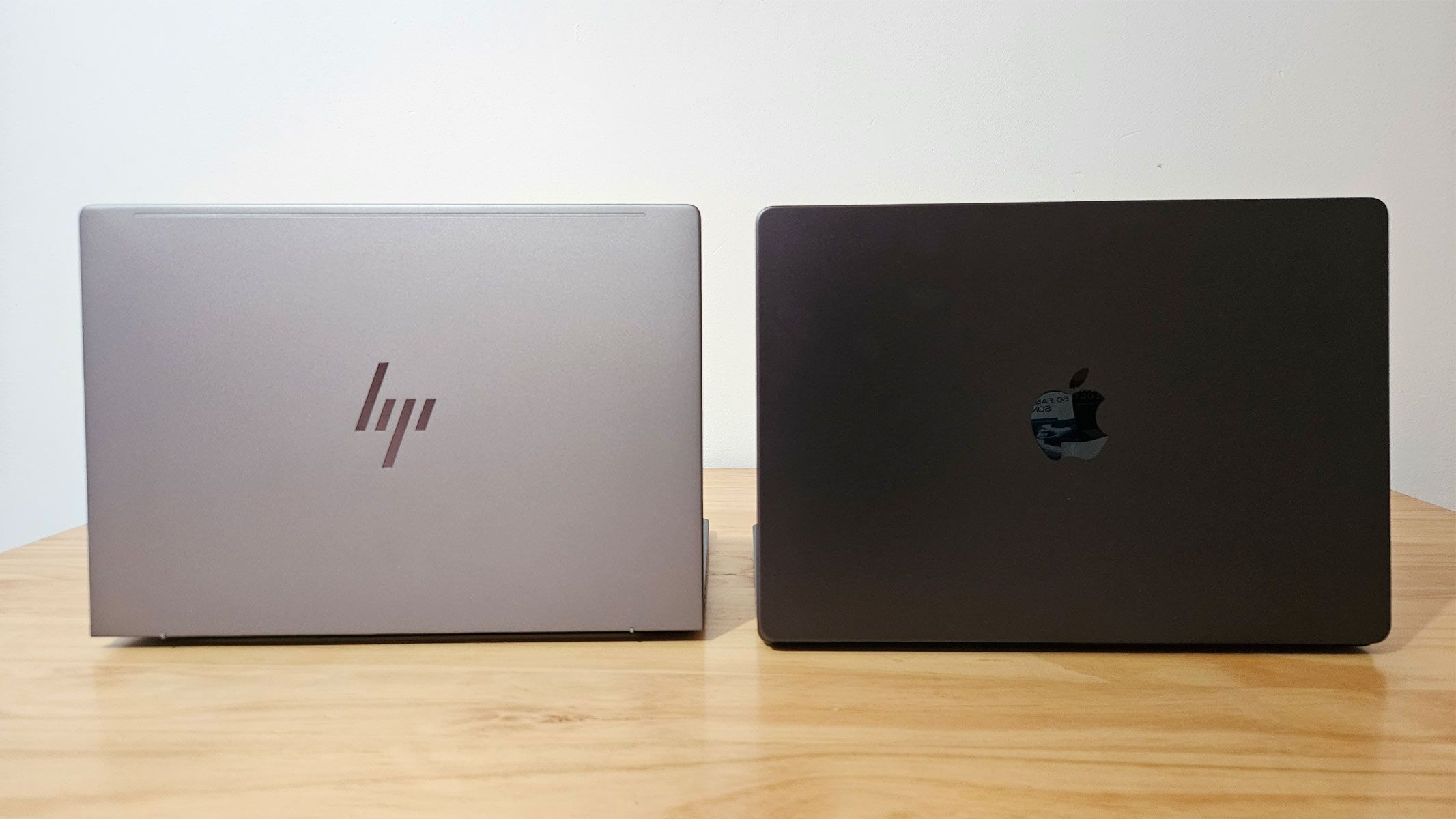
Whether you’re capturing the beauty of deep-sky objects or processing detailed planetary images, the right laptop is critical for astrophotography. Both Windows and MacBooks offer compelling options, but the “best” choice depends on your budget, software preferences, and performance needs. This guide breaks down the key considerations to help you make an informed decision.
Performance: Apple Silicon Leads, But Windows Catches Up
In recent years, Apple’s M-Series processors have consistently outperformed most Windows CPUs in raw processing power. Testing data confirms that M-Series chips deliver superior performance, especially in multi-core tasks common in astrophotography workflows. However, the gap is closing.
The Qualcomm Snapdragon X Elite processor now offers comparable multi-threaded performance to Apple’s M4 chips. While single-core performance remains slightly behind, Windows is evolving. Apple’s upcoming M5 chips will likely push the lead further, but Intel’s new Panther Lake CPUs could change the equation later this year.
Graphics are a different story. High-end Nvidia and AMD GPUs in Windows machines currently outpace Apple’s integrated graphics. For tasks like stacking hundreds of high-resolution images or intensive video processing, a dedicated GPU is often essential. The Nvidia RTX GeForce 5080, for example, delivers significantly higher performance than the M5 processor.
Software Compatibility: Windows Still Has the Edge
Software compatibility remains a major factor. While Adobe Lightroom, Photoshop, and Premiere Pro run smoothly on both platforms, Windows offers a broader range of astronomy-specific software. Many popular programs are either exclusively available for Windows or function more reliably on the platform.
Resources like Mac Observatory provide workarounds for macOS users, but the Windows ecosystem still holds the advantage in terms of native compatibility. If you rely on specific applications, check their system requirements before committing to a platform.
Value for Money: MacBooks Get Competitive
MacBooks traditionally command a premium, but Apple’s transition to Arm-based M-Series processors has made them more accessible. The 13-inch MacBook Air offers exceptional performance and graphics for under $1,000, making it a strong contender for casual users. However, its limited port selection may require dongles for external devices.
For budget-conscious buyers, Windows laptops offer competitive alternatives. Entry-level machines with newer graphics chips can handle basic photo editing for under $500, though performance will be slower.
Power users face a trade-off. Fully-spec’d MacBook Pros deliver unrivaled performance but come at a high cost. Premium Windows laptops with dedicated GPUs often provide comparable power for less money. Thorough research is essential when spending thousands on a high-end machine.
Conclusion
The best laptop for astrophotography depends on your priorities. MacBooks offer superior processing power and portability, while Windows machines excel in graphics performance and software compatibility.
Consider your budget, workflow, and software requirements carefully. If you prioritize raw power and macOS integration, a MacBook Pro is a strong choice. If you need dedicated graphics, a wider software selection, or better value, a high-end Windows laptop is the way to go.


